How to Create the Perfect Custom Topography Wallpaper for Your Screen (in 5 Easy Steps)
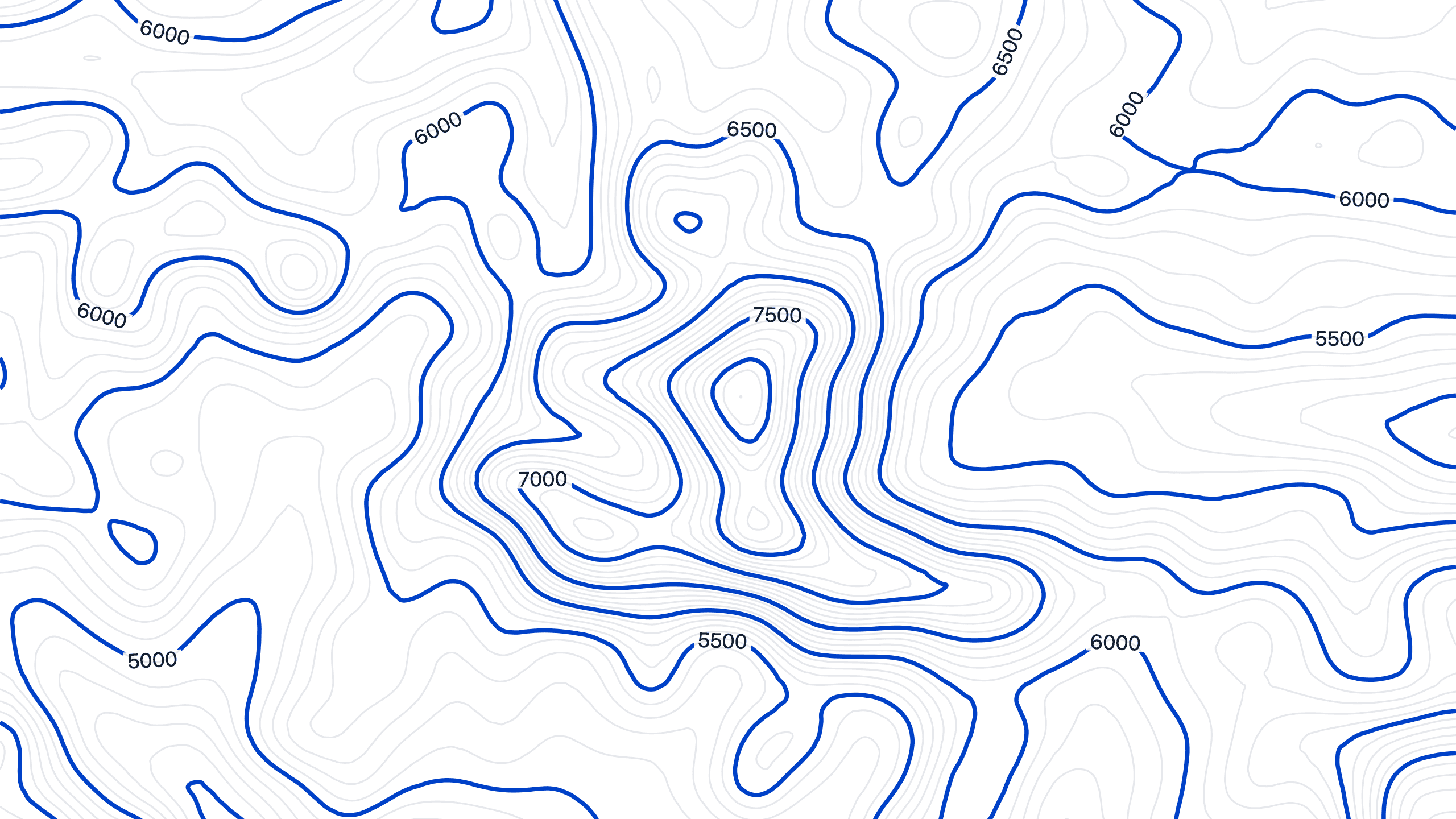
A clean, minimalist desk setup requires a cohesive aesthetic across all your devices. A generic stock image on your iPad or ultrawide monitor can instantly break the visual harmony. Fortunately, creating a custom topography background that perfectly matches your setup is now incredibly simple.
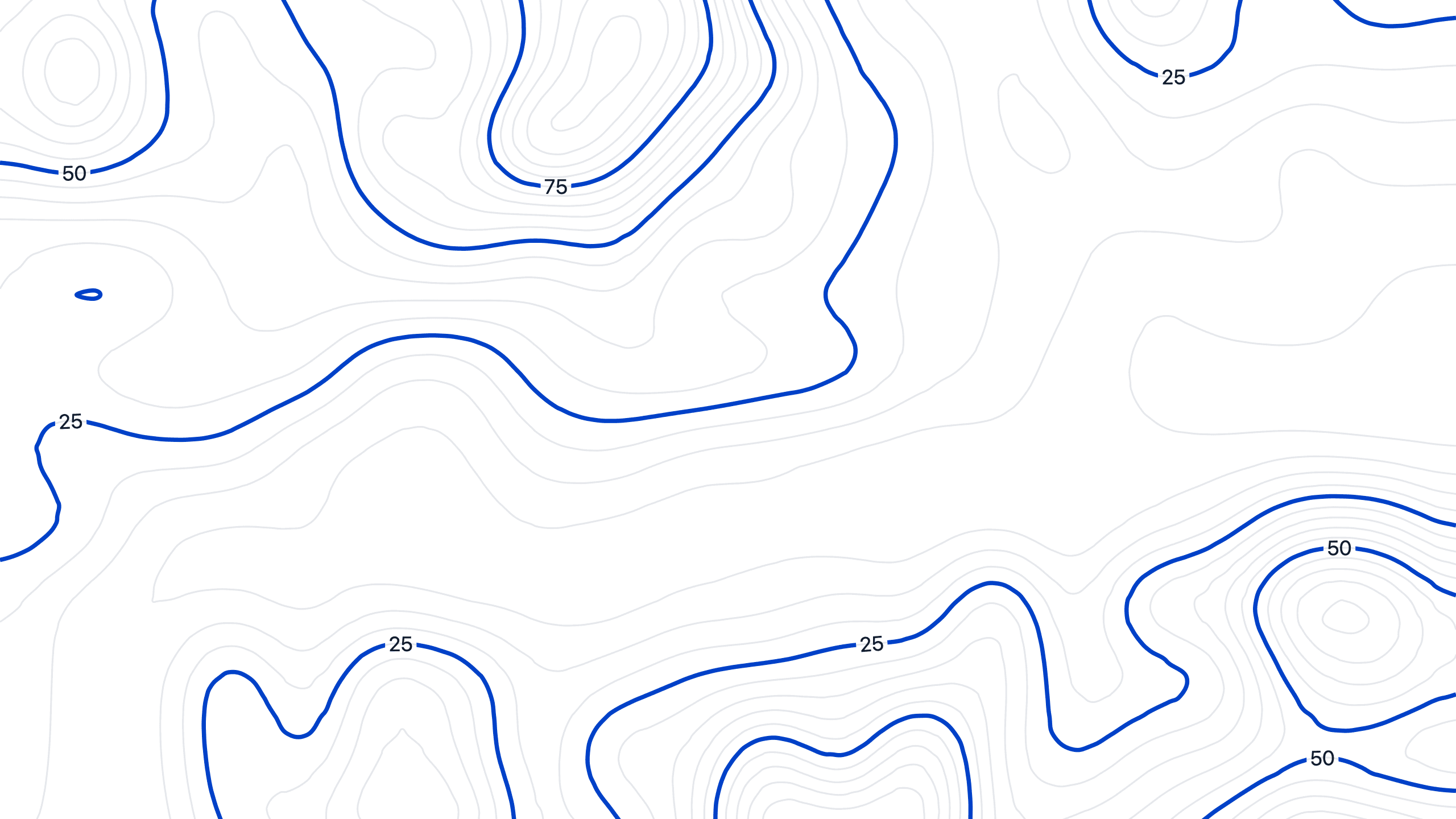
Topography map of Greater London, England
Here is how to design your own high-resolution contour map using our free generator, ensuring every screen in your workspace looks intentional.
Step 1: Choose Your Favorite Location
Start by selecting the exact real-world location you want your topography wallpaper to be based on.
Step 2: Dial in Radius, Density, and Precision
This is where your wallpaper becomes truly unique.
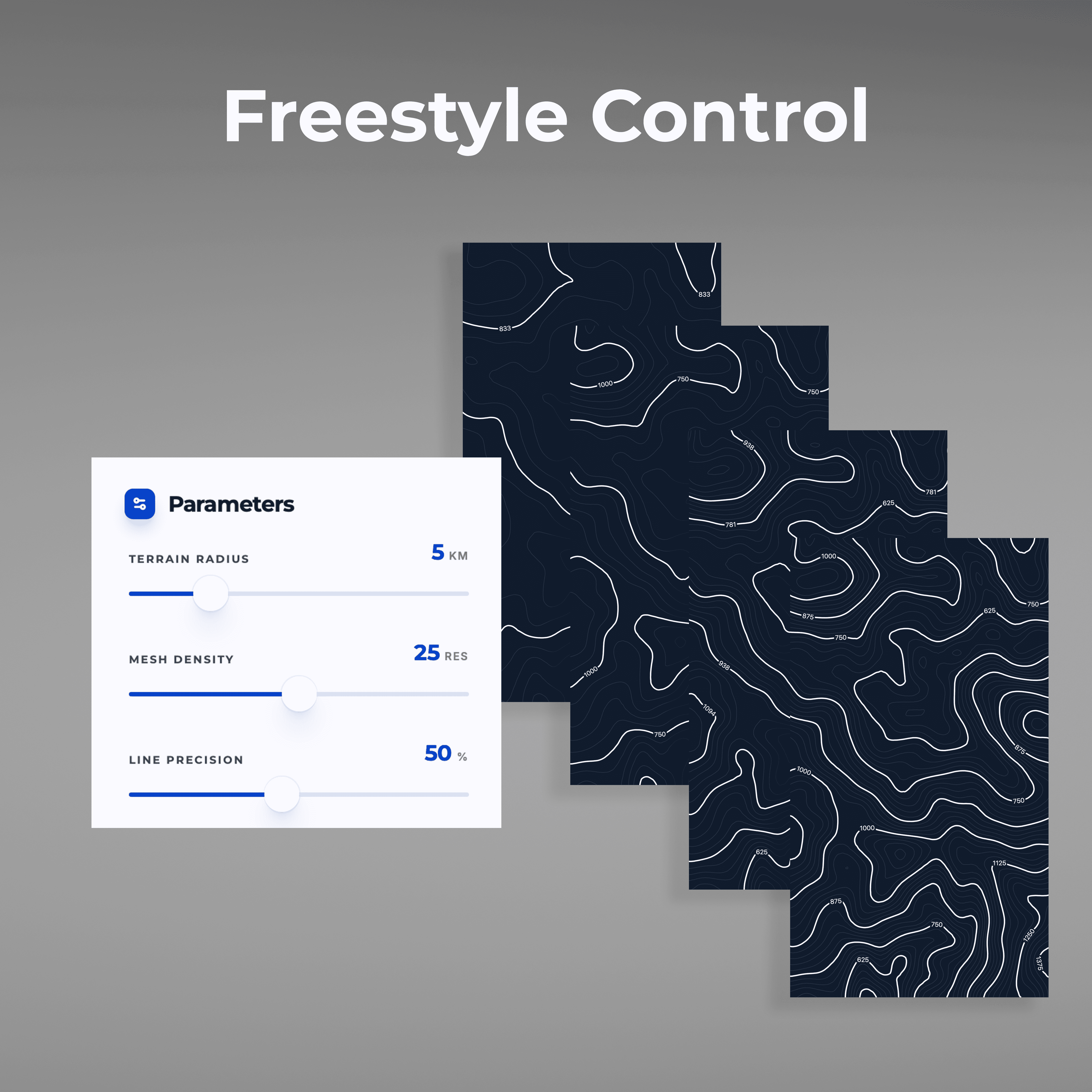
Large Radius: Your topography wallpaper will cover a wider geographical area than the default setting.
High Density: Creates a tight, intricate web of contour lines, perfect for large, high-resolution desktop monitors where fine details shine.
High Precision: Captures the exact, hyper-accurate elevation changes of your chosen location, adding a more authentic, technical feel to the map.
Step 3: Click on Generate
Our tool automatically scales the output, whether you need a sprawling aspect ratio for a curved desktop monitor or a vertical layout for a mobile display.
Step 4: Refine with Smoothing & Altitude Markers
To finish your design, use the toggles to adjust the vibe. Turn on Line Smoothing for an organic, fluid look that pairs well with natural desk materials. If you prefer a tactical, EDC-inspired aesthetic, toggle on the Altitude Markers.
Step 5: Select a Style Preset and Download
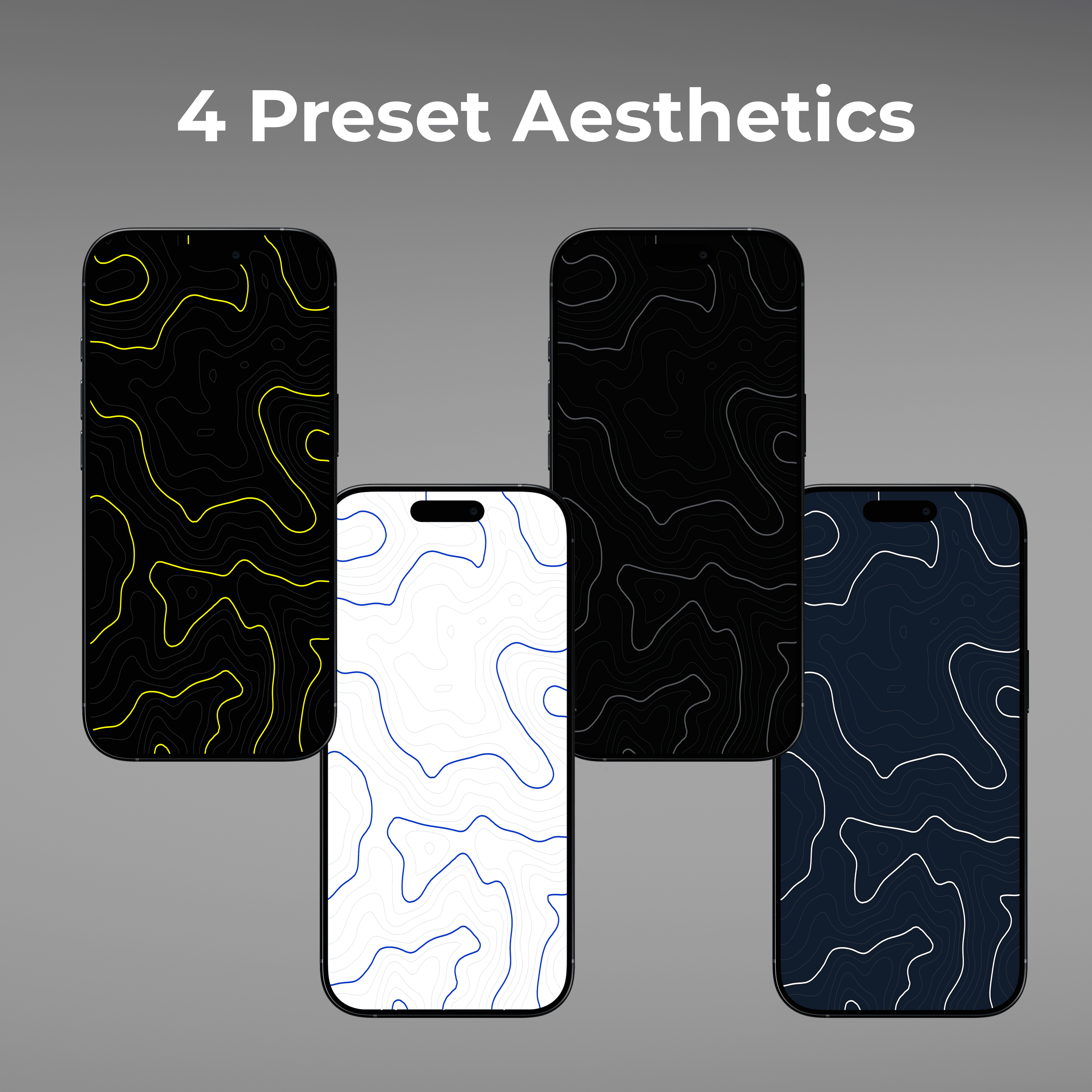
Select one of the 4 preset styles, which are color-matched to popular aesthetic themes. Once your design is perfect, click on phone or desktop to download the appropriate wallpaper. There are no watermarks and no limits. You can generate unlimited variations to keep your screens looking fresh all year round.
Your digital workspace is a direct extension of your physical environment. By taking these final few minutes to customize your screens, you bridge the visual gap between the physical hardware on your desk and the interfaces you interact with every day. Whether you are matching the natural grain of a real walnut wood stand or complementing a sleek, dark-mode aesthetic, this simple process ensures your displays are never an afterthought.
Ready to complete your setup? Generate Your Free Custom Topography Wallpaper Here.
A clean, minimalist desk setup requires a cohesive aesthetic across all your devices. A generic stock image on your iPad or ultrawide monitor can instantly break the visual harmony. Fortunately, creating a custom topography background that perfectly matches your setup is now incredibly simple.
Topography map of Greater London, England
Here is how to design your own high-resolution contour map using our free generator, ensuring every screen in your workspace looks intentional.
Step 1: Choose Your Favorite Location
Start by selecting the exact real-world location you want your topography wallpaper to be based on.
Step 2: Dial in Radius, Density, and Precision
This is where your wallpaper becomes truly unique.
Large Radius: Your topography wallpaper will cover a wider geographical area than the default setting.
High Density: Creates a tight, intricate web of contour lines, perfect for large, high-resolution desktop monitors where fine details shine.
High Precision: Captures the exact, hyper-accurate elevation changes of your chosen location, adding a more authentic, technical feel to the map.
Step 3: Click on Generate
Our tool automatically scales the output, whether you need a sprawling aspect ratio for a curved desktop monitor or a vertical layout for a mobile display.
Step 4: Refine with Smoothing & Altitude Markers
To finish your design, use the toggles to adjust the vibe. Turn on Line Smoothing for an organic, fluid look that pairs well with natural desk materials. If you prefer a tactical, EDC-inspired aesthetic, toggle on the Altitude Markers.
Step 5: Select a Style Preset and Download
Select one of the 4 preset styles, which are color-matched to popular aesthetic themes. Once your design is perfect, click on phone or desktop to download the appropriate wallpaper. There are no watermarks and no limits. You can generate unlimited variations to keep your screens looking fresh all year round.
Your digital workspace is a direct extension of your physical environment. By taking these final few minutes to customize your screens, you bridge the visual gap between the physical hardware on your desk and the interfaces you interact with every day. Whether you are matching the natural grain of a real walnut wood stand or complementing a sleek, dark-mode aesthetic, this simple process ensures your displays are never an afterthought.
Ready to complete your setup? Generate Your Free Custom Topography Wallpaper Here.
Related Articles
Check out our full product line
Check out our full product line

🇨🇦 A Canadian Company
© 2026 Futura Gear Inc. FTNT, the illustrated FTNT logo, and Footnote Accessories Co. are trademarks of Futura Gear Inc. All rights reserved.
© 2026 Futura Gear Inc. FTNT, the illustrated FTNT logo, and Footnote Accessories Co. are trademarks of Futura Gear Inc. All rights reserved.
🇨🇦 A Canadian Company